

Description
Download Docs To Go Free Office Suite APK – office suite, document editor, PDF editor, Microsoft Office, Android app, mobile productivity, free software, document viewer, file converter, mobile office
Overview
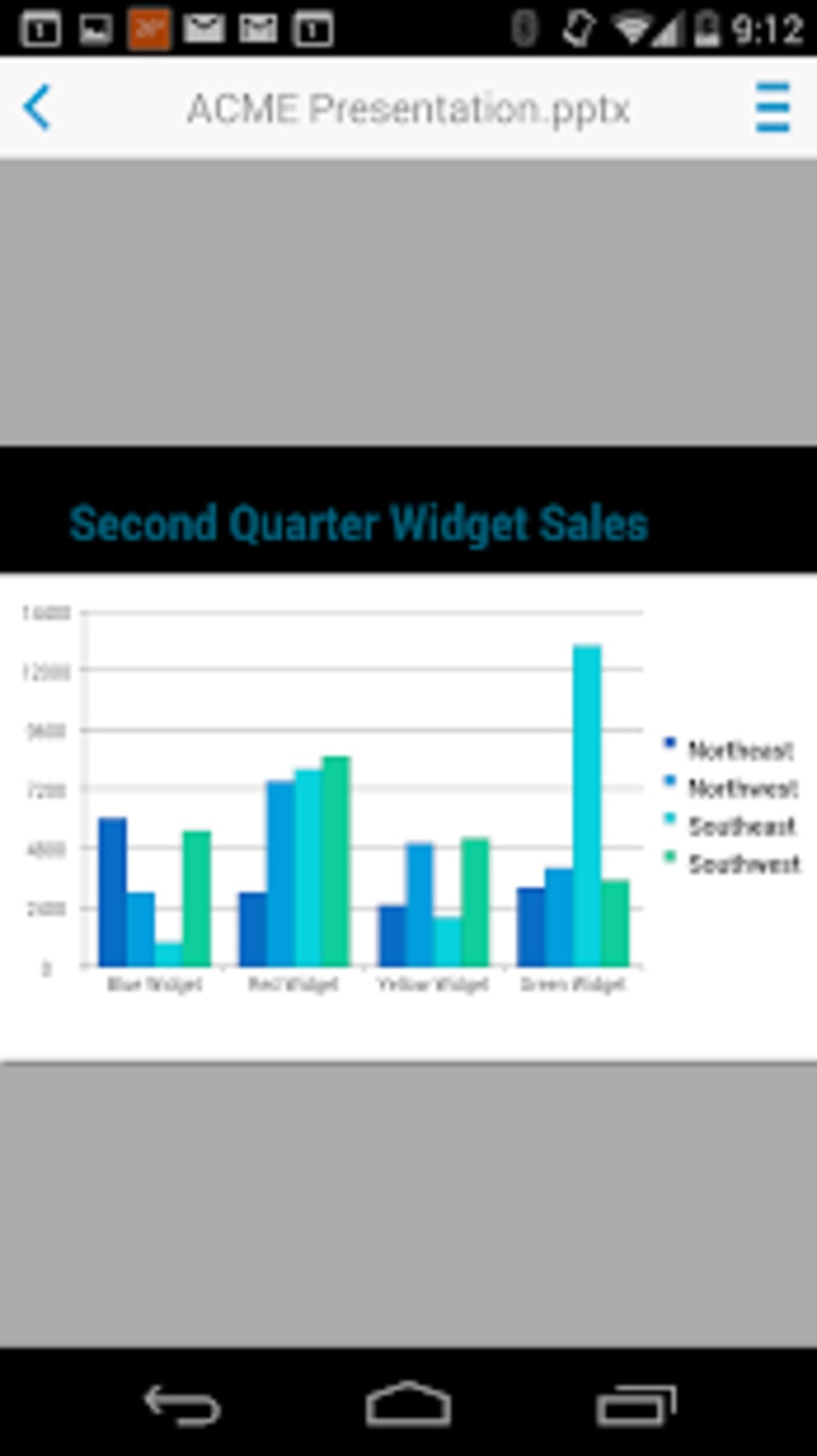
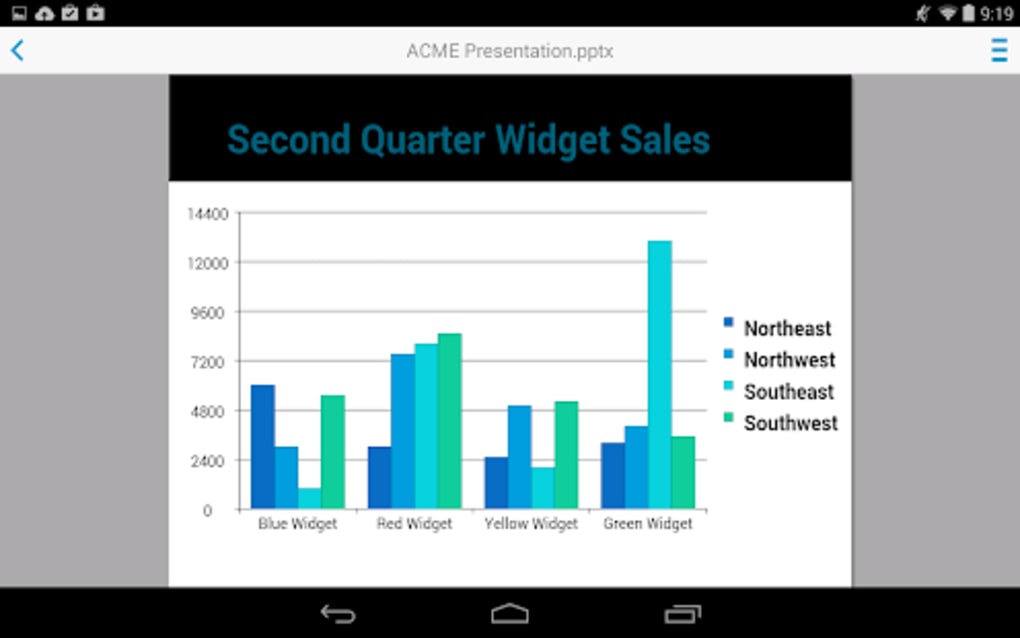
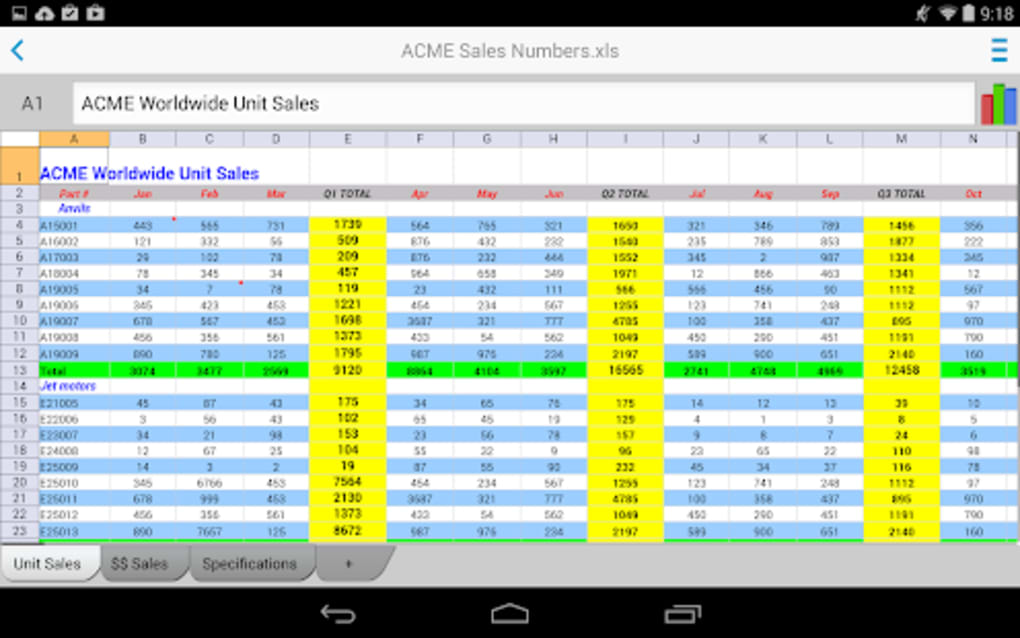
Docs To Go Free Office Suite is a mobile productivity application developed by DataViz, Inc. for Android devices. Designed as a lightweight and accessible tool, it enables users to view, edit, and create Microsoft Office and Adobe PDF documents directly from their smartphones or tablets. The app is tailored for individuals who need on-the-go access to essential document management functions without relying on a desktop computer. It serves professionals, students, and remote workers who frequently handle .doc, .docx, .xls, .xlsx, .ppt, .pptx, and .pdf files while traveling or working remotely.
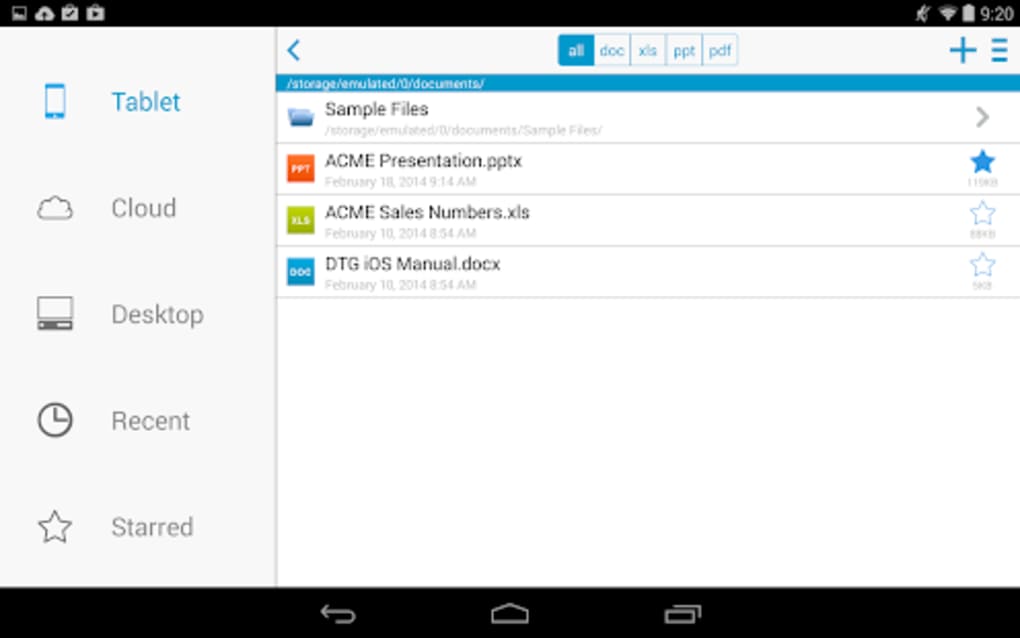
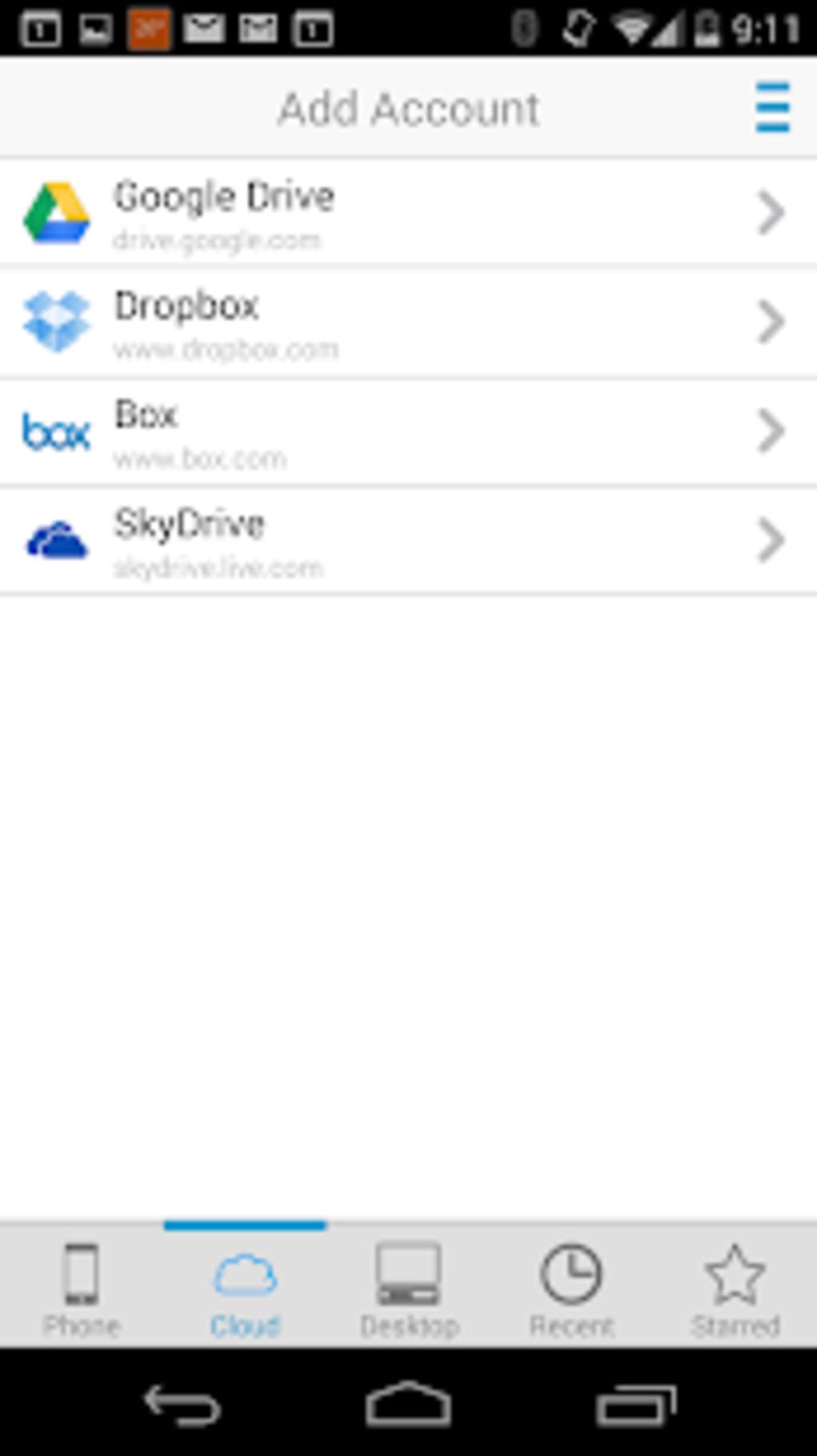
Users can open files stored locally on their device or access documents from cloud storage or connected computers. After editing, files can be saved back to the device or synced with external systems. The app supports a broad range of file formats, ensuring compatibility with common office workflows. It is available at no cost on Google Play, with regular updates to maintain functionality across evolving Android versions.
The developer did not provide additional system requirements. Platform compatibility information is limited to Android, and no specific hardware specifications were listed. The application is designed for mobile environments, emphasizing ease of use and efficient file handling in constrained settings.
Key Features & Capabilities
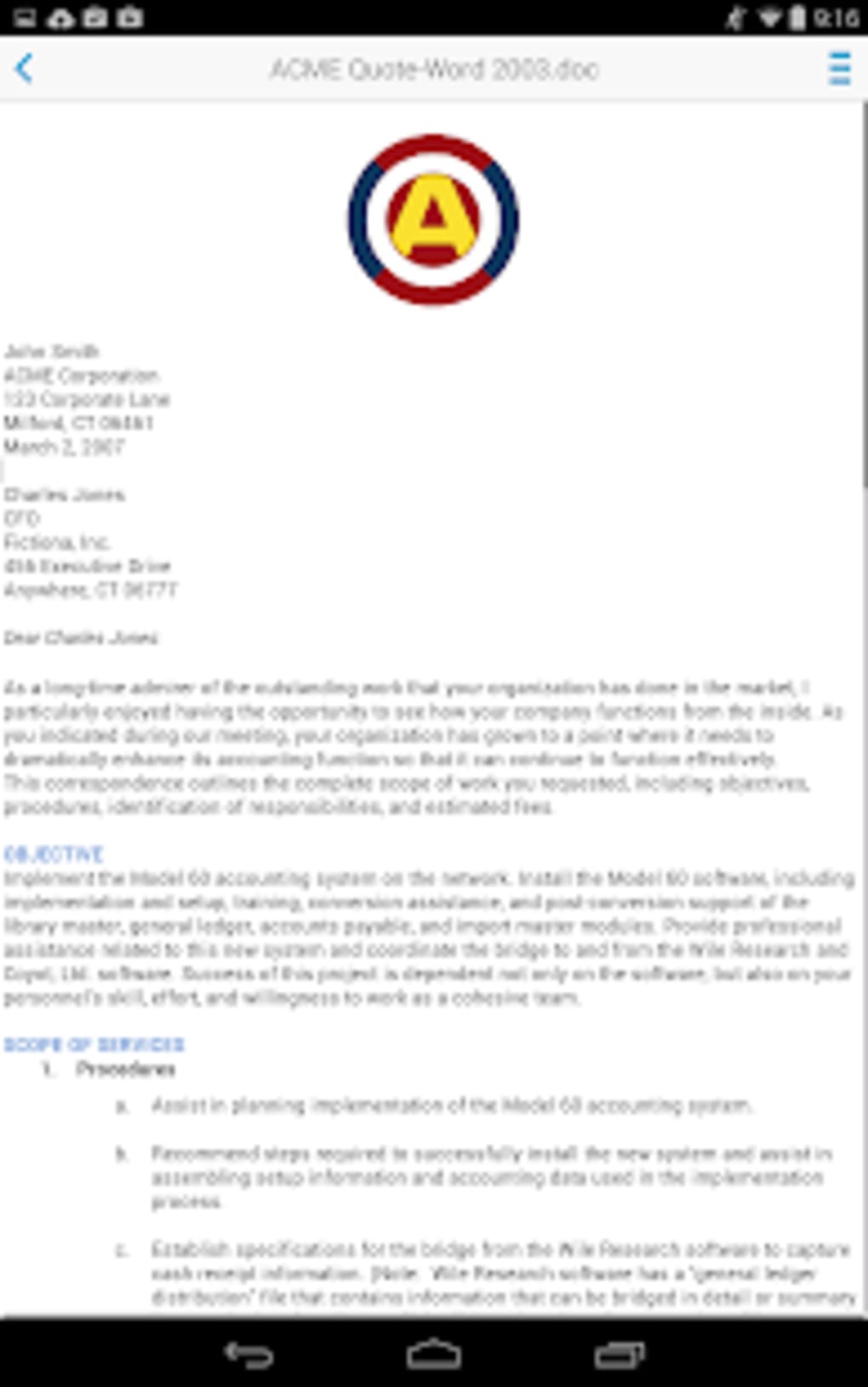
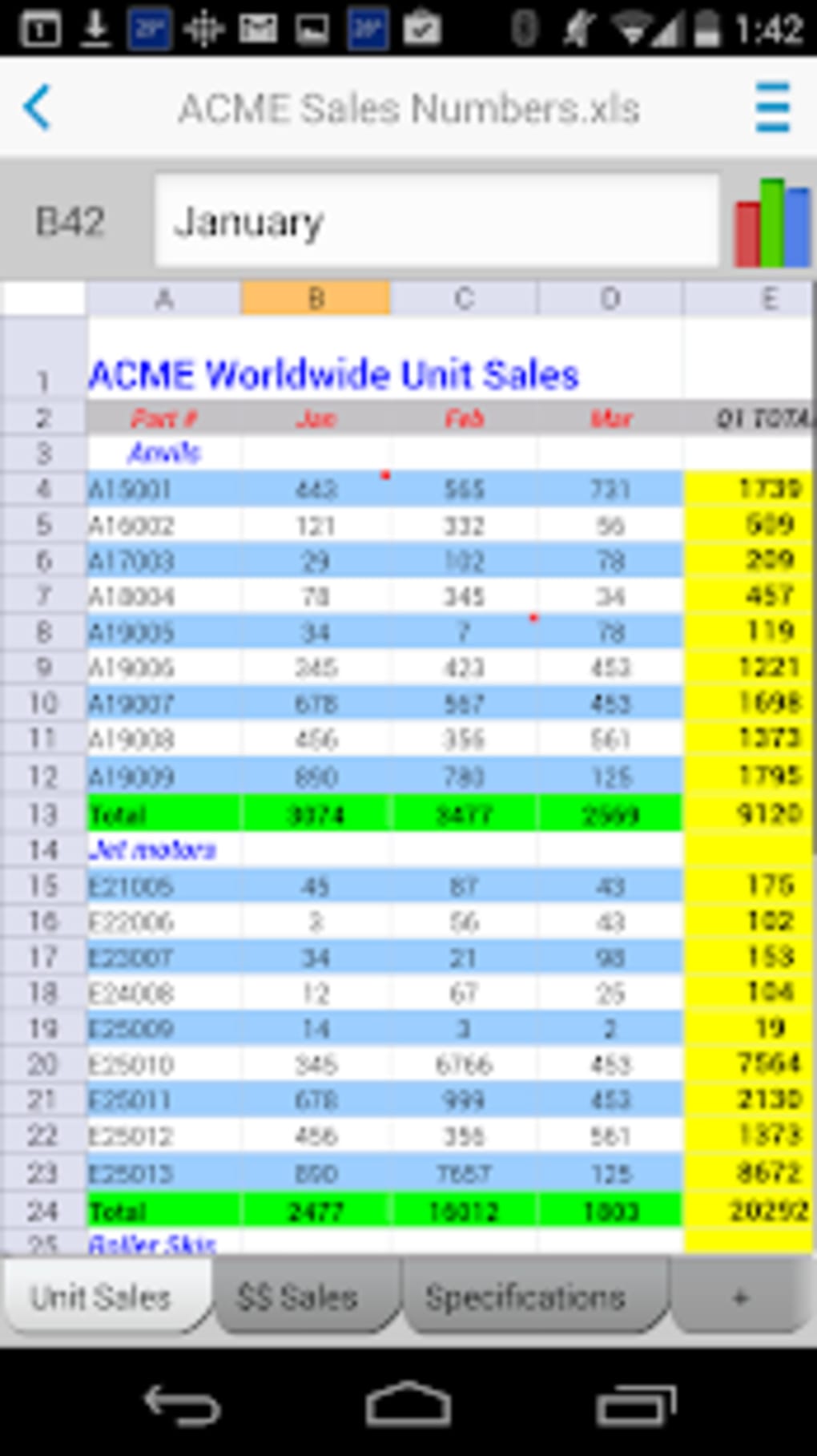
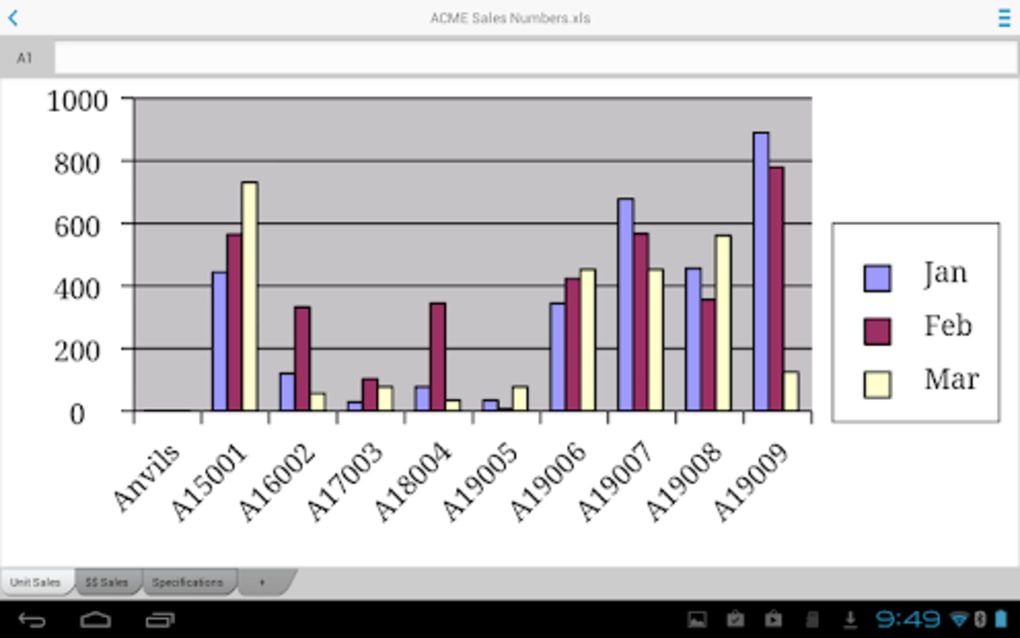
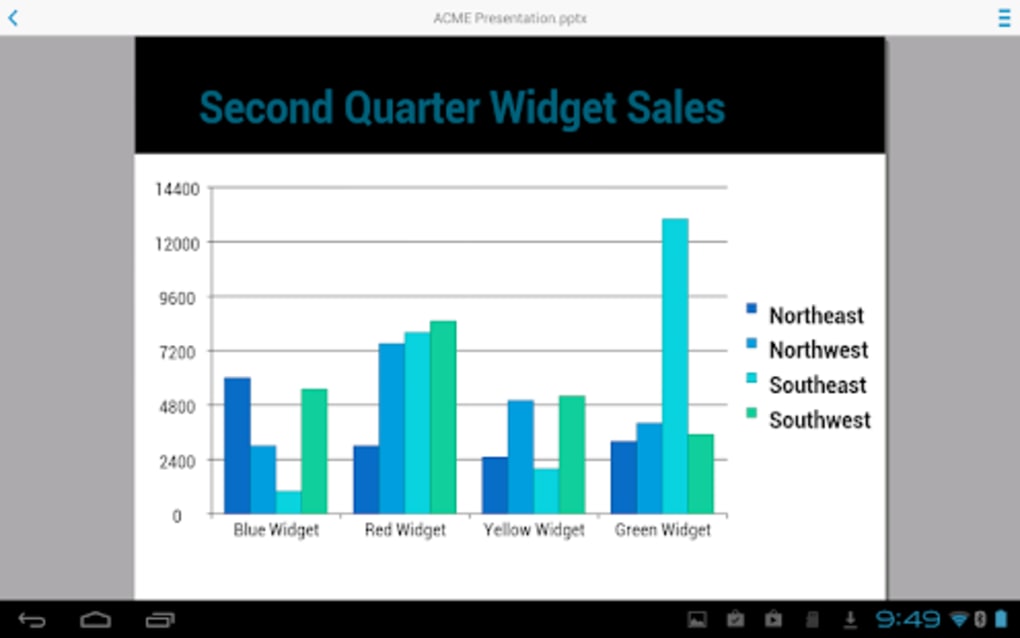
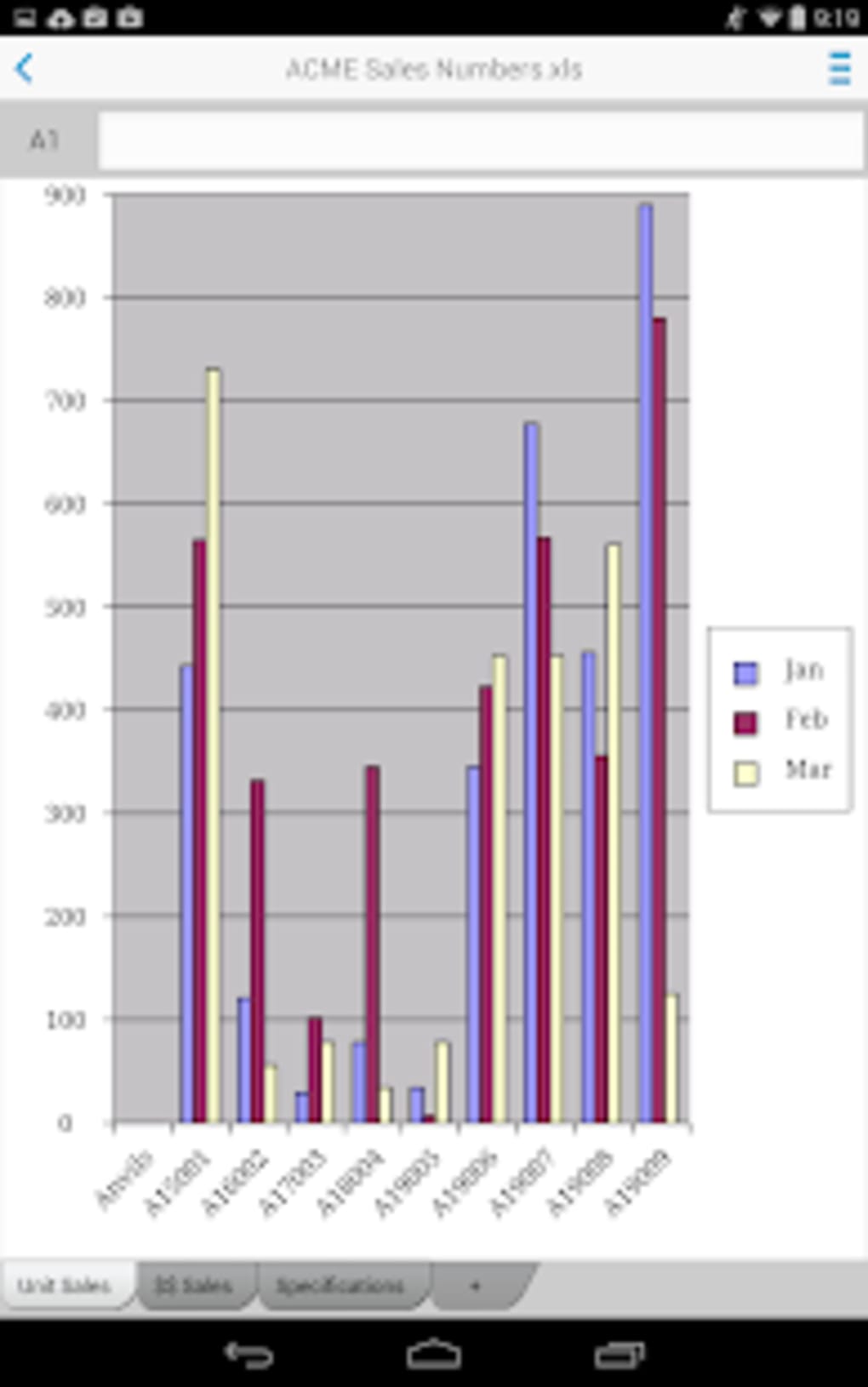
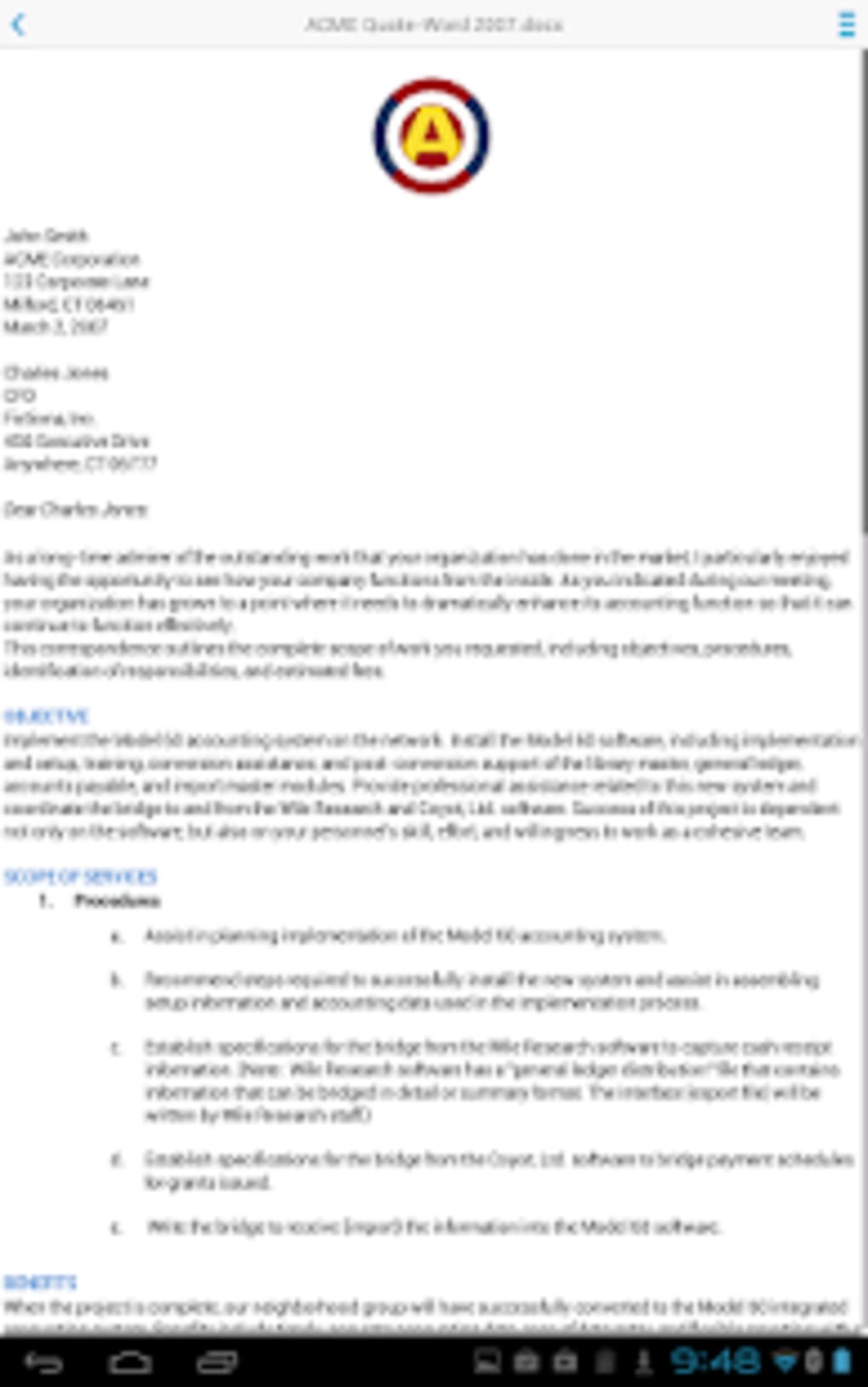
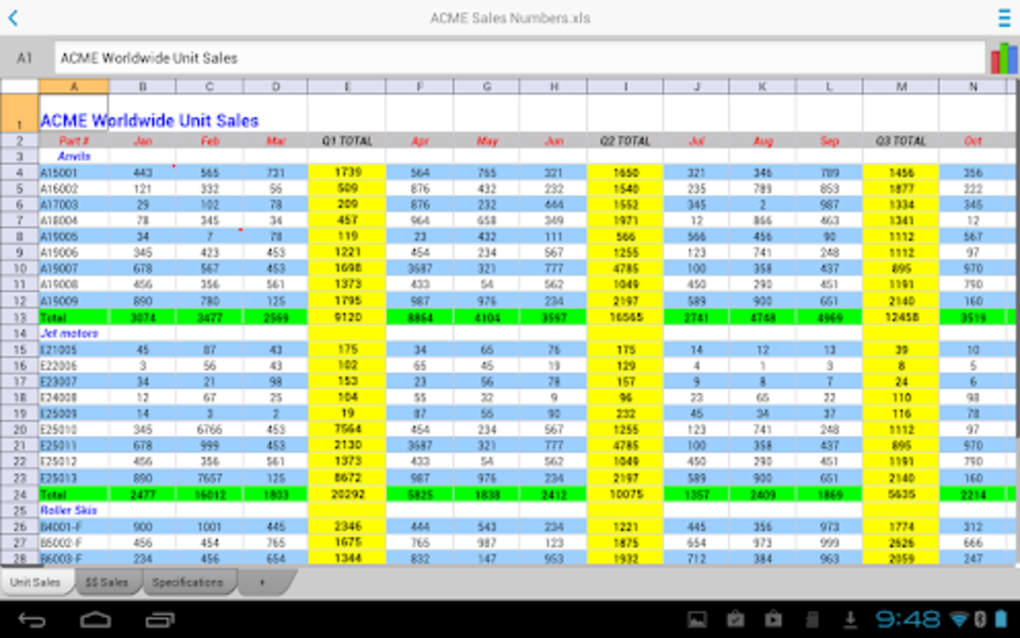
- Multi-format Document Support – View and edit files in Microsoft Word (.doc, .docx), Excel (.xls, .xlsx), PowerPoint (.ppt, .pptx), and PDF formats directly on Android devices.
- On-the-Go Editing – Make real-time changes to documents, spreadsheets, and presentations without requiring a desktop environment.
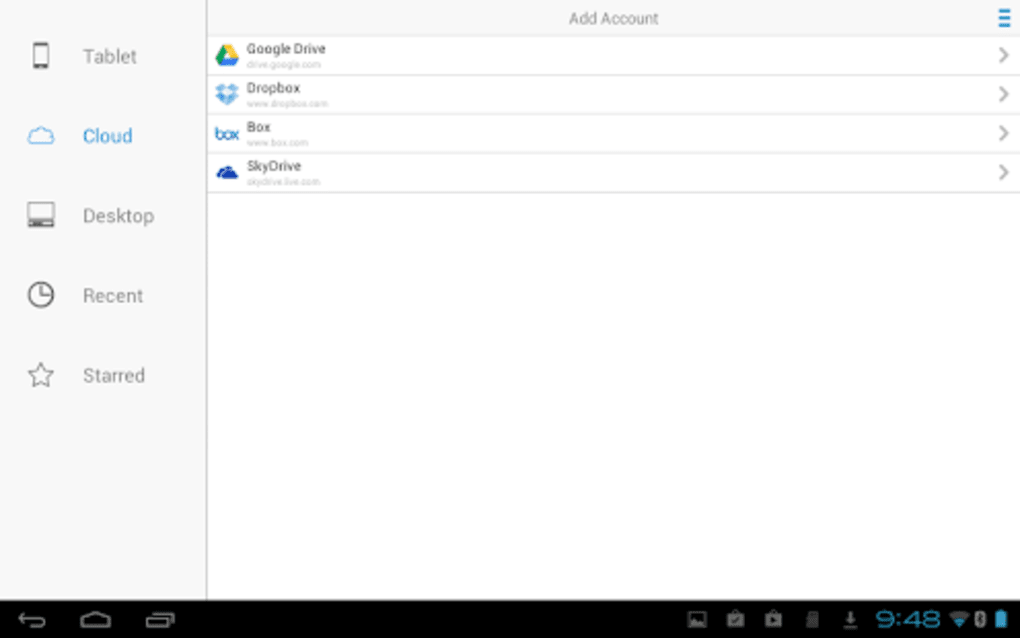
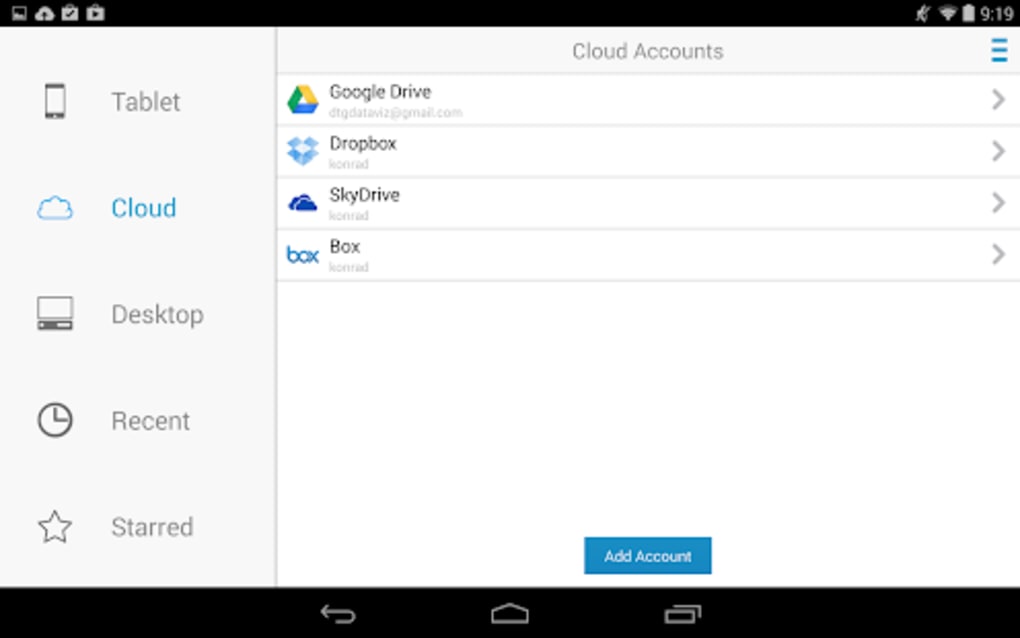
- File Access and Transfer – Open files from internal storage, external drives, or cloud services and save edited versions back to the device or connected systems.
- Multi-language Interface – Available in multiple languages, enhancing accessibility for international users and multilingual teams.
- Lightweight Design – Optimized for mobile performance with a minimal footprint, ensuring smooth operation on a variety of Android devices.
These capabilities make Docs To Go ideal for users who need to review contracts, update reports, or adjust presentation slides while away from a computer. The ability to work with PDFs adds value for users handling official documents, forms, and e-signatures. The app’s focus on core functionality ensures it remains efficient and responsive, even on lower-end hardware.
User Interface, Workflow & Performance
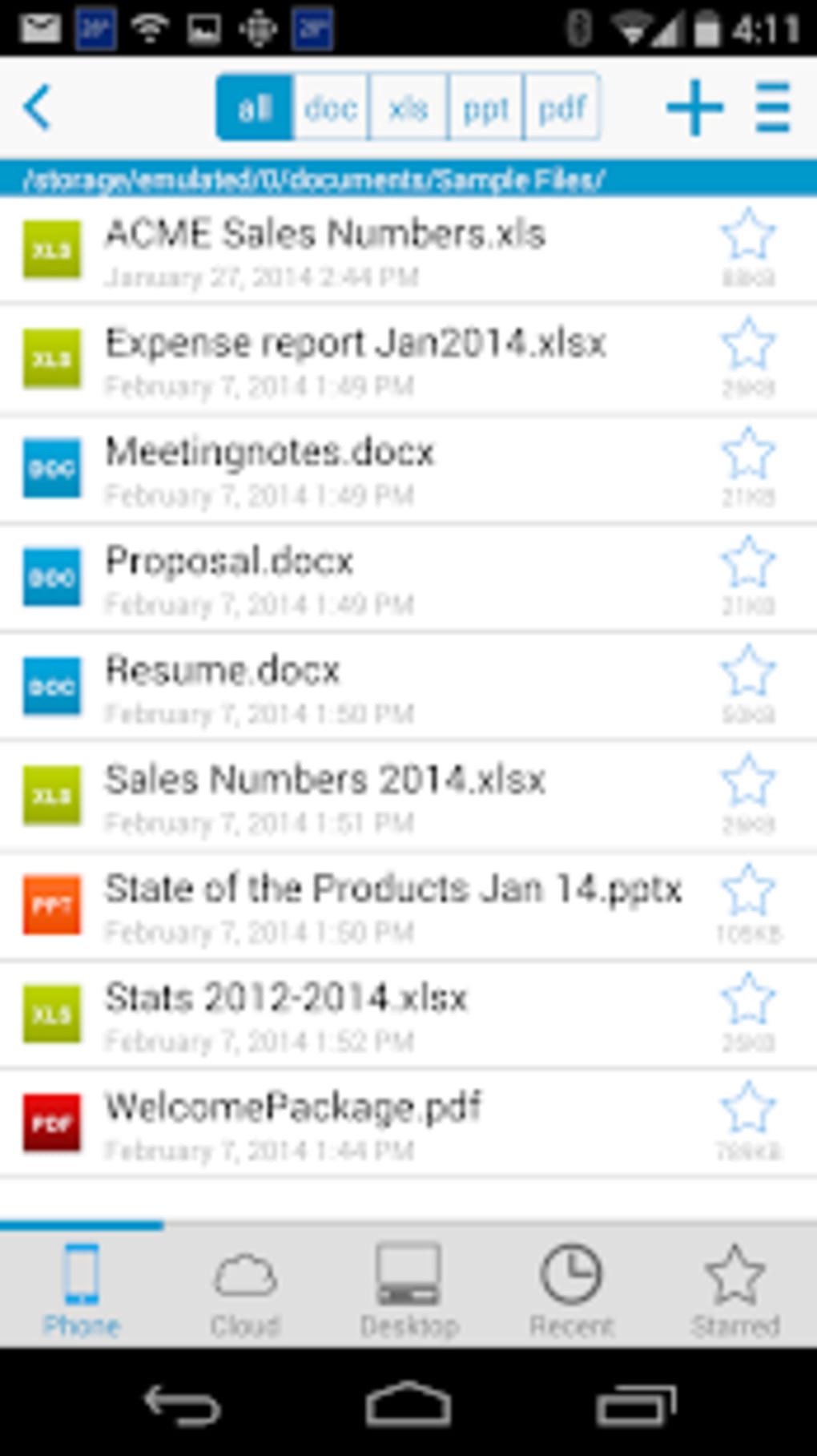
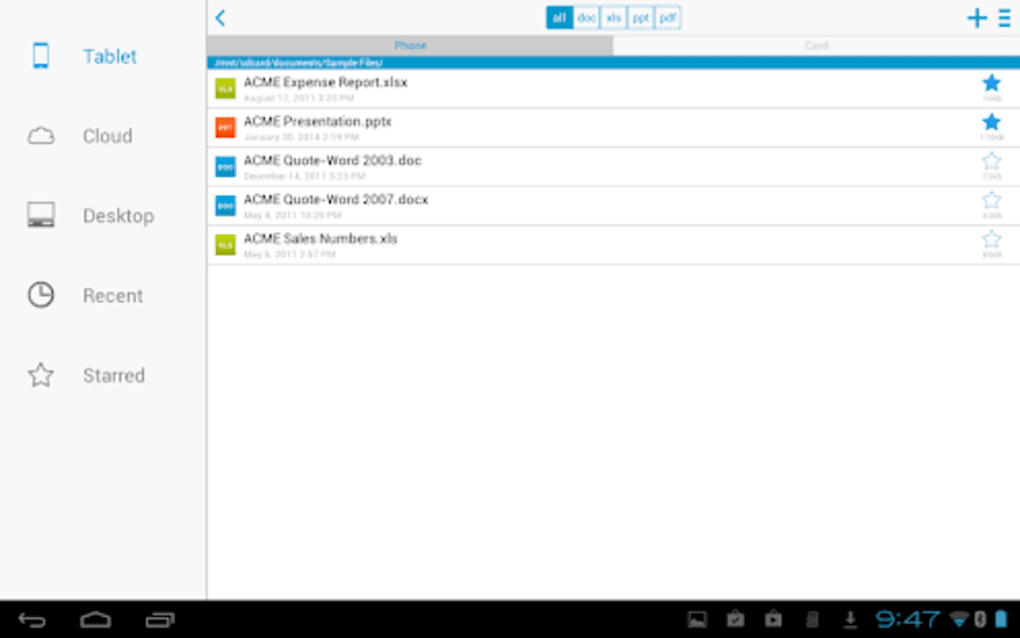
The user interface of Docs To Go Free Office Suite is structured around simplicity and intuitive navigation. The main screen provides quick access to recently opened files, file browsing options, and direct tools for creating new documents. Menus are organized by file type, allowing users to switch seamlessly between word processing, spreadsheet, and presentation modes.
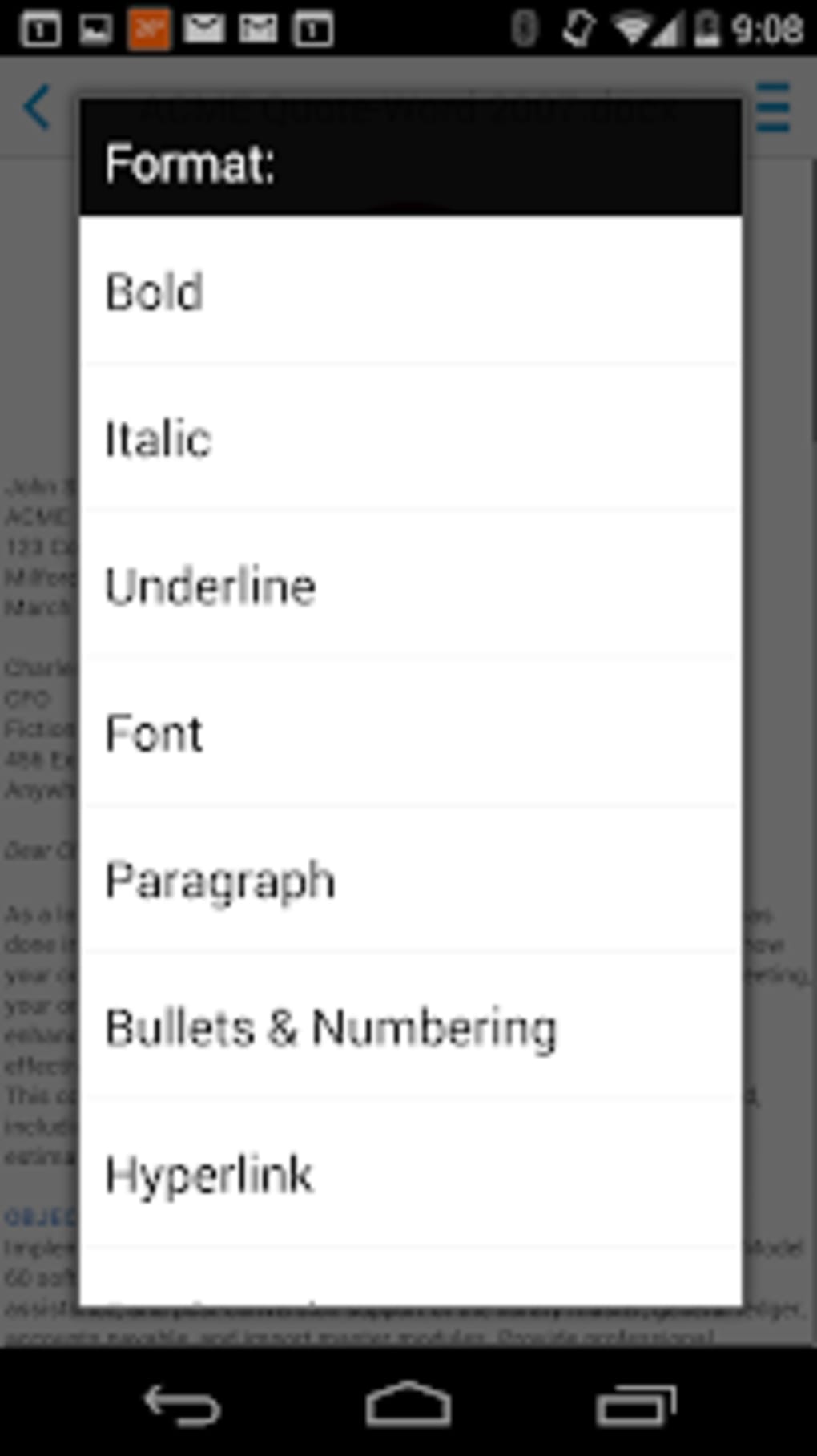
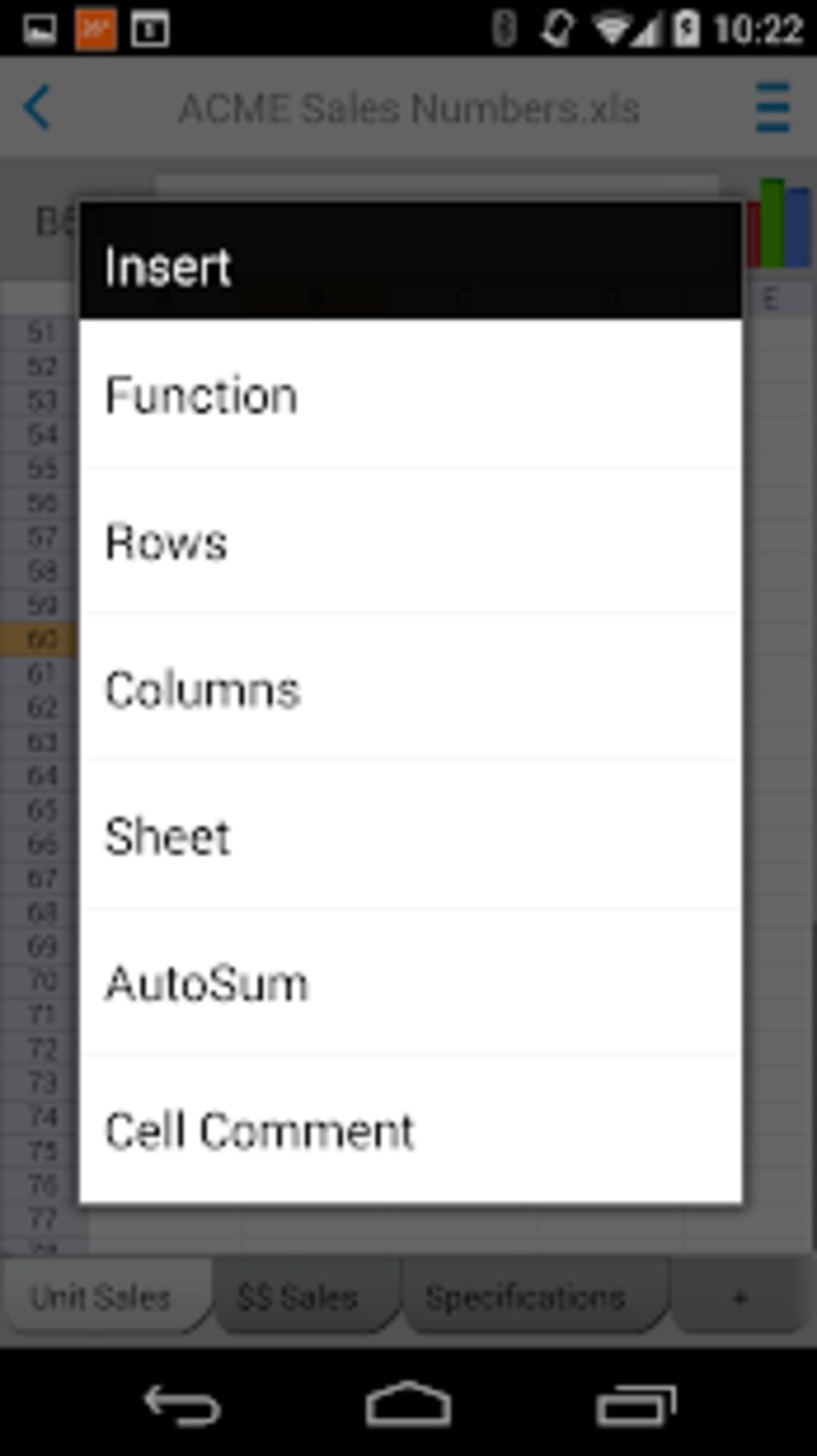
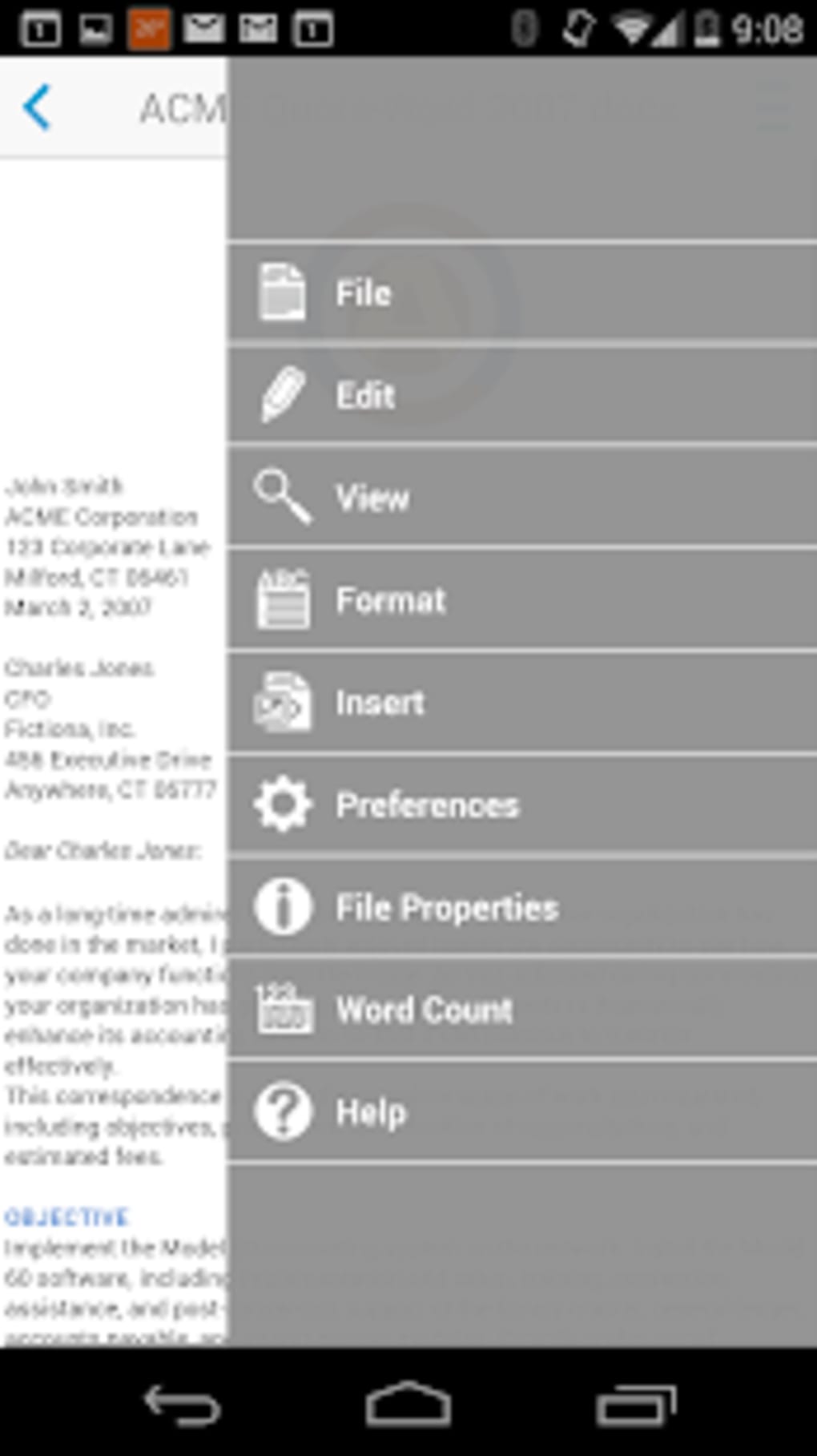
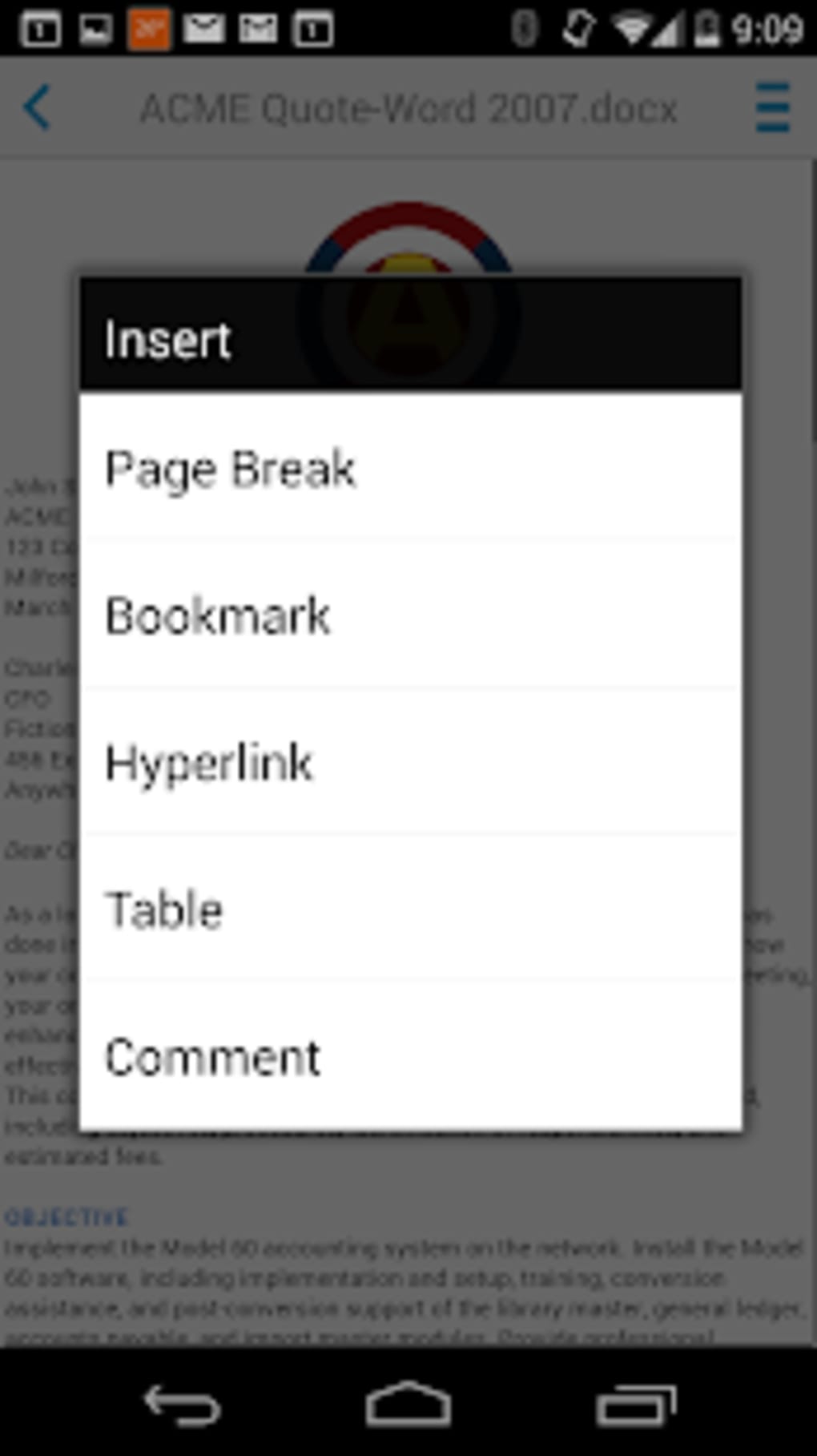
Navigation is consistent across all document types, with toolbars offering essential editing functions such as formatting, text insertion, and table creation. The workflow emphasizes efficiency, enabling users to open, edit, and save files with minimal steps. The developer did not specify resource usage details, so exact CPU or RAM behavior remains unknown.
Performance observations are based on general software behavior patterns. The app is designed to operate smoothly on Android devices, with a focus on maintaining responsiveness during file operations. Stability appears to be maintained through regular updates, though no specific reliability metrics were provided. Users may experience minor delays when opening large files, but the lightweight architecture helps mitigate such issues.
Compatibility & System Requirements
Docs To Go Free Office Suite is designed exclusively for Android devices. The current version is 12.1.1, with a file size of 44.2 MB. It is available for free on Google Play, with no additional licensing fees.
Exact system requirements were not listed by the developer. Compatibility information is limited to the Android operating system, and no specific minimum OS version was provided. The app is intended to function across a wide range of Android smartphones and tablets, though performance may vary depending on device capabilities.
Installation is straightforward through the Google Play Store. The app does not require special permissions beyond standard storage access, which is necessary for file operations. No hardware-specific requirements were mentioned.
Pros and Cons
Pros
- Free to download and use with no hidden costs
- Supports a wide range of document formats including Microsoft Office and PDF
- Lightweight and optimized for mobile performance
- Offers on-the-go editing and file transfer capabilities
- Available in multiple languages for global accessibility
Cons
- No detailed system requirements were provided by the developer
- Advanced features may be limited compared to desktop office suites
- Performance on older or low-end devices may vary
- Exact resource usage (CPU/RAM) was not specified
- Limited offline functionality beyond basic editing
FAQ Section
Is Docs To Go Free Office Suite compatible with all Android devices?
The app is designed for Android, but the developer did not specify minimum OS or hardware requirements. Compatibility may vary depending on device capabilities and Android version.
Is the app safe to download and use?
Docs To Go Free Office Suite is available through the official Google Play Store, which provides a secure distribution channel. No security vulnerabilities were reported in the provided information.
How often is the app updated?
The app is regularly updated to ensure compatibility with the latest Android versions, as stated by the developer. Update frequency is not specified in detail.
Does the app require an internet connection to work?
Basic file viewing and editing can be performed offline. However, certain features such as cloud integration or file syncing may require an internet connection.
Can I use Docs To Go to convert files between formats?
The app supports opening and editing multiple file types, including .doc, .docx, .xls, .xlsx, .ppt, .pptx, and .pdf. While direct conversion tools are not explicitly mentioned, users can save files in different formats through the export function.
Final Thoughts
Docs To Go Free Office Suite delivers a practical, no-cost solution for mobile document management on Android. Its support for Microsoft Office and PDF formats, combined with a lightweight design, makes it a strong contender for users seeking basic office functionality on smartphones and tablets. While it lacks the depth of full desktop suites, it excels in accessibility and ease of use.
Professionals, students, and remote workers who need to review or edit documents while on the move will find significant value in this tool. The multi-language support and free availability enhance its appeal across diverse user groups. Although detailed technical specifications are missing, the app’s consistent updates and broad format compatibility suggest ongoing development and support.
For anyone needing a reliable, free mobile office suite with essential editing features, Docs To Go is a solid choice. Download Docs To Go Free Office Suite APK now.
Guides & Tutorials for Docs To Go Free Office Suite APK
How to install Docs To Go Free Office Suite APK
- Click the Preview / Download button above.
- Once redirected, accept the terms and click Install.
- Wait for the Docs To Go Free Office Suite APK download to finish on your device.
How to use Docs To Go Free Office Suite APK
This software is primarily used for its core features described above. Open the app after installation to explore its capabilities.
User Reviews for Docs To Go Free Office Suite APK 0
No reviews found





